

Git推送至Github
1、安装git
2、打开git bash
3、更改本地库为main(这里看需求,要与远程库名一致)
git branch -m master main

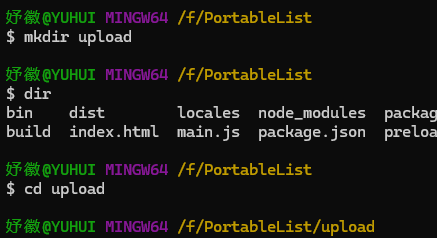
4、创建上传文件的文件夹
mkdir upload
cd upload
5、创建本地仓库环境
git init

6、安装大文件上传
git lfs install

7、追踪要上传的大文件,*表示路径下的所有文件
<font style="color:rgb(77, 77, 77);">git lfs track *</font>

8、添加先上传的属性文件(要先上传属性文件,不然有可能失败)
<font style="color:rgb(77, 77, 77);">git add .gitattributes</font>

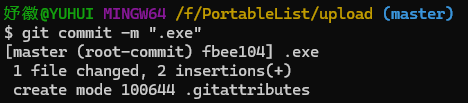
9、添加属性文件上传的说明
<font style="color:rgb(77, 77, 77);">git commit -m "pre"</font>
10、建立本地和 Github 仓库的链接(origin 后接自己仓库的链接)
<font style="color:rgb(77, 77, 77);">git remote add origin </font>[https://github.com/YVHU1/YH-ToDo.git](https://github.com/YVHU1/YH-ToDo.git)
11、上传属性文件
<font style="color:rgb(77, 77, 77);">git push origin master</font>
12、添加要上传的大文件,*表示路径下的所有文件
<font style="color:rgb(77, 77, 77);">git add *</font>

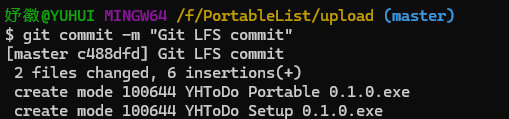
13、添加大文件上传的说明
<font style="color:rgb(77, 77, 77);">git commit -m "Git LFS commit"</font>
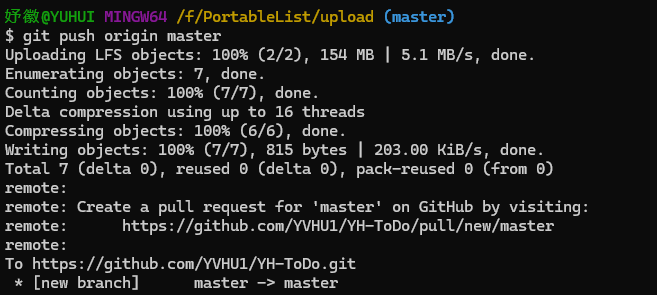
14、上传大文件
<font style="color:rgb(77, 77, 77);">git push origin master</font>
这里会打开一个弹窗要求认证,在认证结束后即可重新上传文件
15、查看远程库和本地库
git branch -a

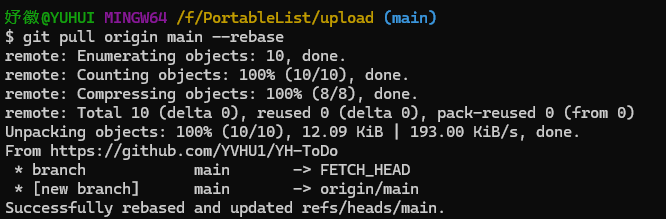
16、强制整合远程库
更新: 2025-04-11 14:09:21
原文: https://www.yuque.com/yuhui.net/miao/qubgvtm3n41hostg

评论(0)
暂无评论